Skip to content
Popproxx brand logo in stylized cursive font.
Popproxx

Posts by Popproxx

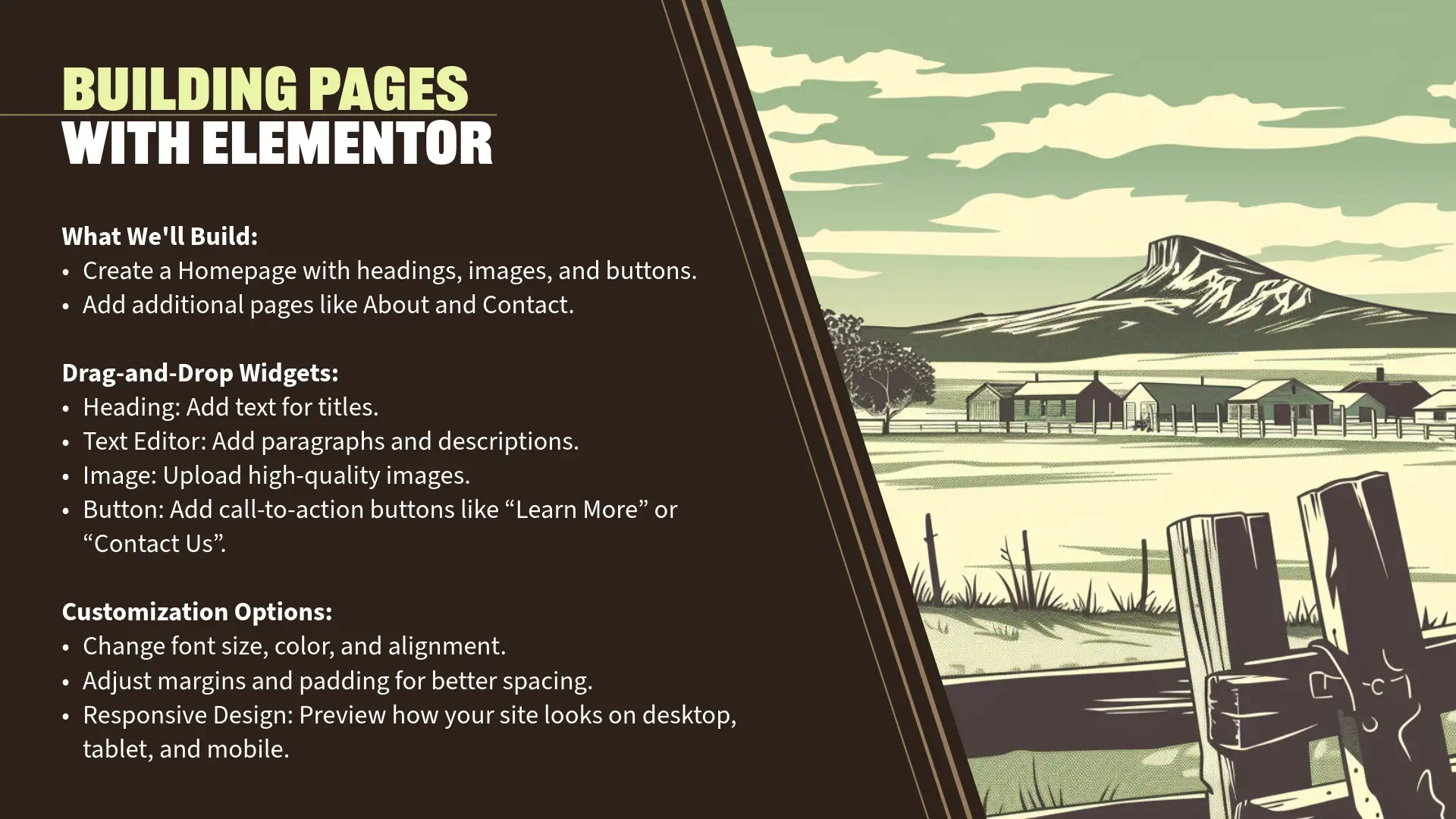
Tips for customizing website footer and SEO settings.
September 29, 2024/Popproxx

Building Your First Website with WordPress and Elementor: Final Touches and Launching Your Site

Section 10: Final Touches and Launching Your Site (5 minutes) Customizing the Footer “Now that your website’s main content is in place, it’s important to focus on the footer. The footer often contains essential information like copyright notices, additional navigation links, or contact details. Editing the Footer with Elementor Theme Builder Step 1: Access Elementor […]

Read More
About Us and Contact Pages Information
September 29, 2024/Popproxx

Building Your First Website with WordPress and Elementor: Creating Additional Pages

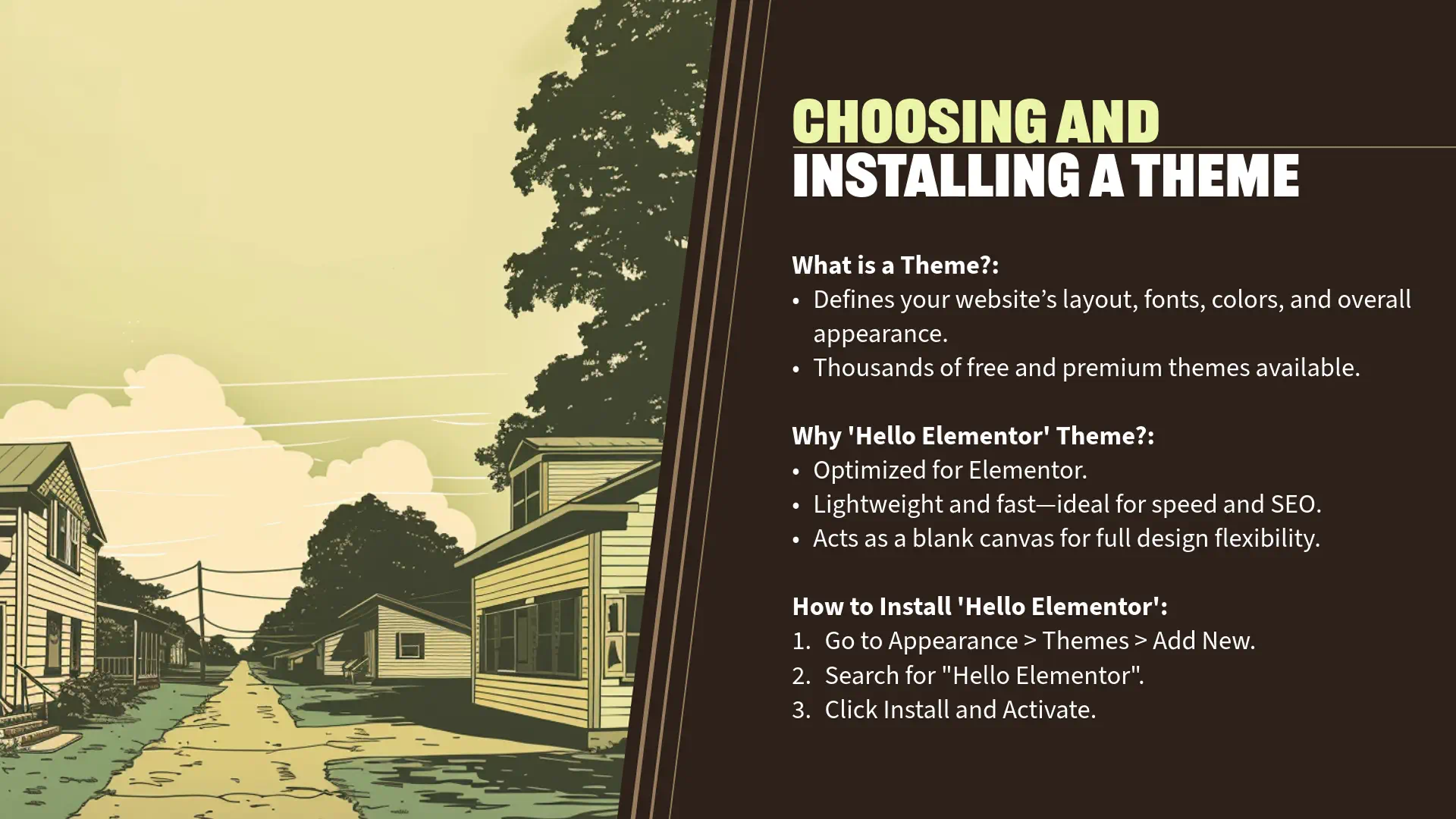
Section 8: Creating Additional Pages (5 minutes) About and Contact Pages “Now that we’ve crafted an engaging homepage, it’s essential to provide visitors with more information about who you are and how they can reach you. We’ll create two fundamental pages: ‘About’ and ‘Contact’. Creating the ‘About’ Page Step 1: Create a New Page Navigate […]

Read More
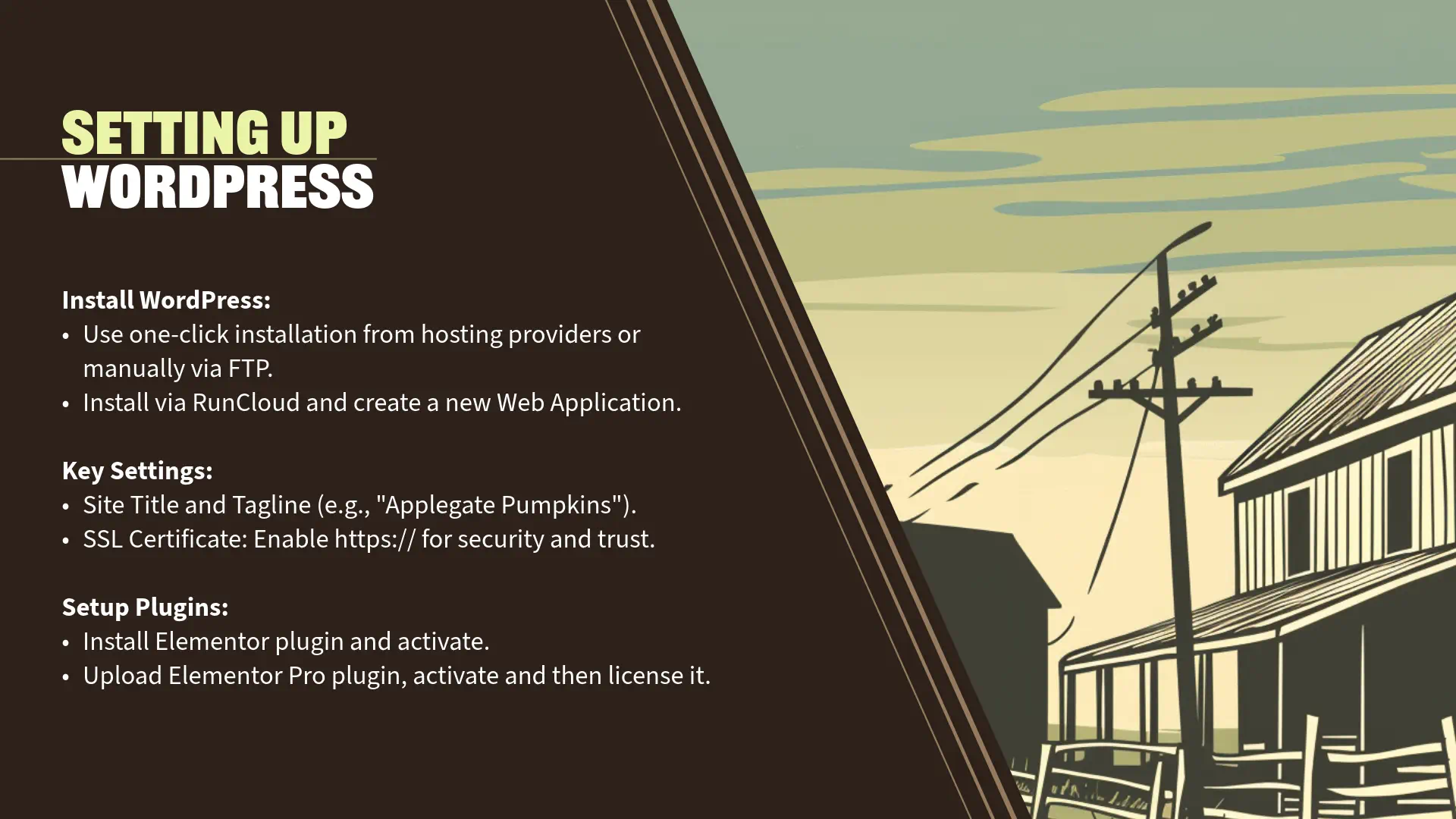
Guide for setting up WordPress, plugins, and key settings.
September 29, 2024/Popproxx

Building Your First Website with WordPress and Elementor: Setting Up WordPress Site

Section 4: Setting Up Your WordPress Site (5 minutes) General Settings “Now that we’ve installed WordPress and are familiar with the dashboard, let’s configure some essential settings to personalize your site and ensure it functions correctly. Step 1: Access General Settings In the WordPress Dashboard, navigate to ‘Settings’ > ‘General’. Step 2: Update Site Title, […]

Read More
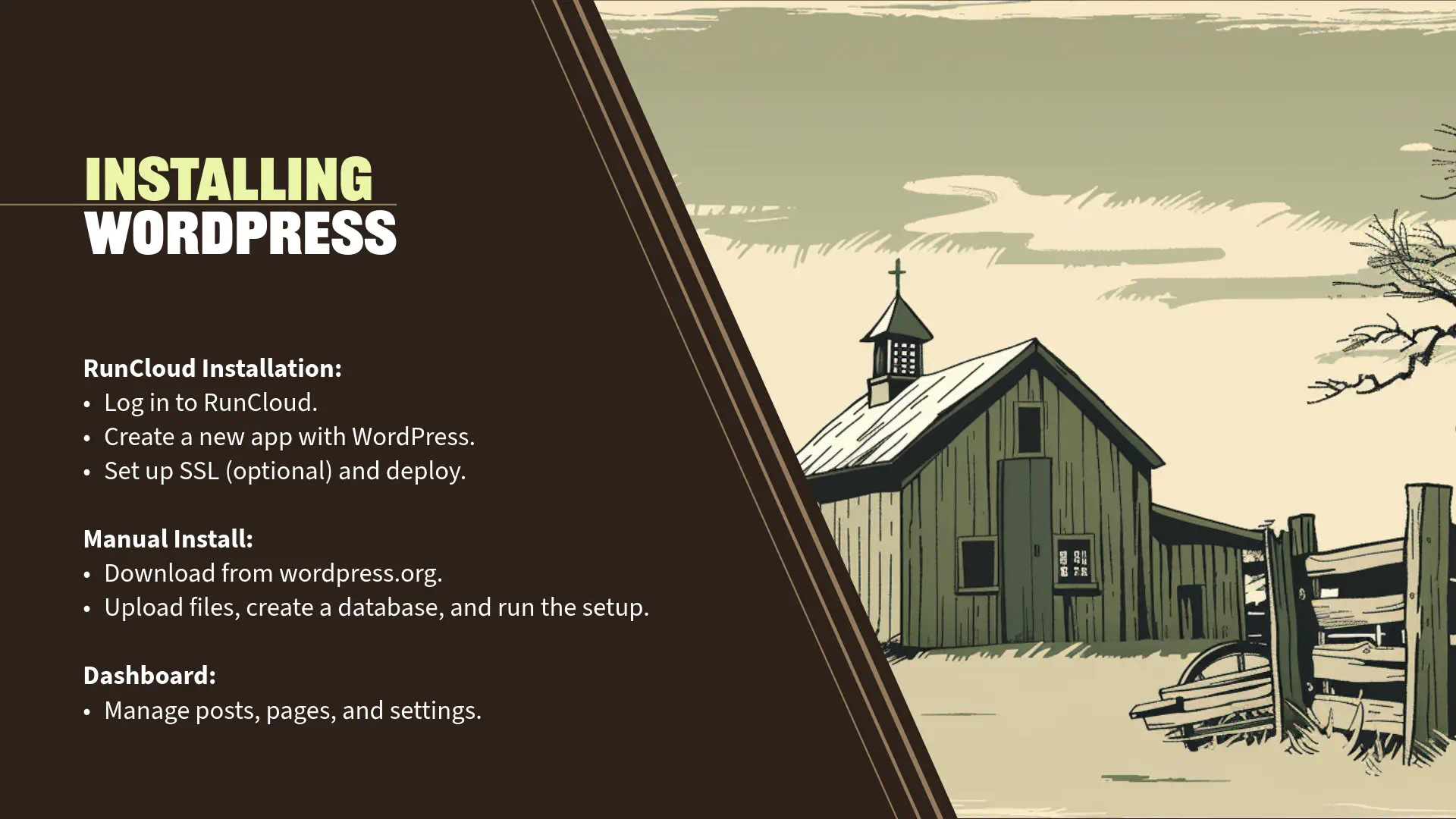
Guide for installing WordPress via RunCloud and manually.
September 29, 2024/Popproxx

Building Your First Website with WordPress and Elementor: Installing WordPress

Section 3: Installing WordPress (10 minutes) One-Click Installation with RunCloud “Now that we’ve selected our domain and hosting, it’s time to install WordPress. Since I’m using RunCloud to manage our server for this demonstration, I’ll show you how to install WordPress using RunCloud’s interface. Demonstration: Installing WordPress with RunCloud Step 1: Log In to RunCloud […]

Read More